This took me way too long to figure out. Bitwarden is amazing once it’s properly configured, but every once in a while there is a pesky site that doesn’t autofill all the fields you need to login.
I finally today discovered a hidden feature to reliably add custom fields from any site to autofill with Bitwarden.
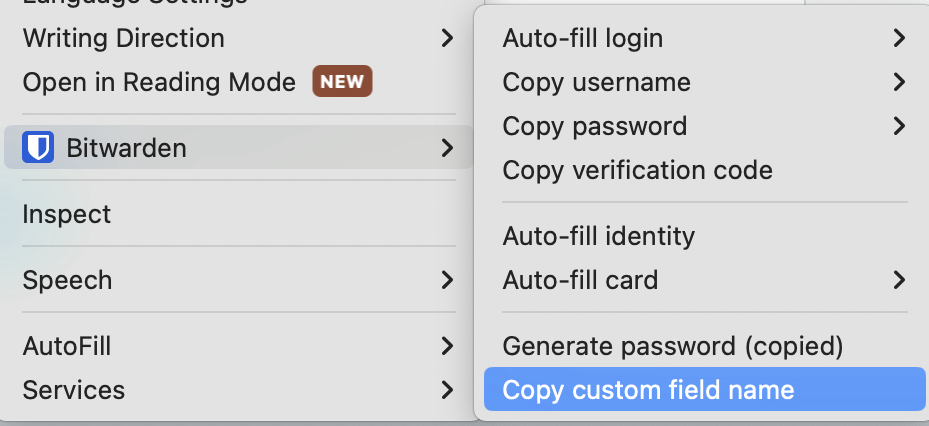
Locate the pesky field in your desktop browser with Bitwarden browser extension installed, right-click the field, and select “copy custom field name.”
Edit the bitwarden password entry for the site, and scroll down to “custom fields”, create a new custom field that is text. In the top entry (field name) paste in the field name that was copied to your clipboard from the last step. In the value, enter the value to populate, in this case, my last name.
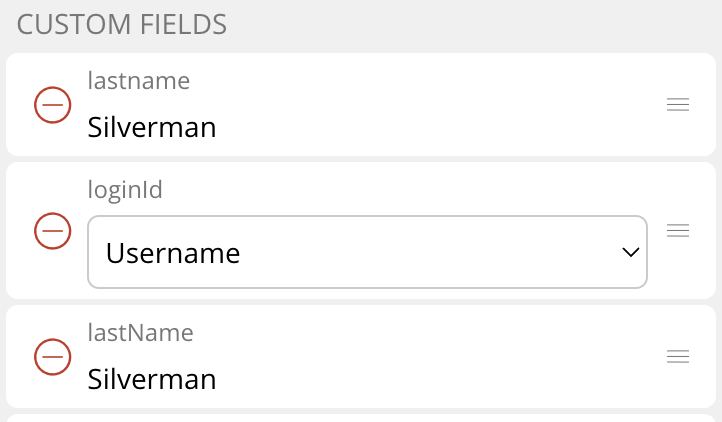
Specifically, for American Airlines AAdvantage site, their field names (CASE SENSITIVE) are:
- lastname (all lowercase)
- loginId (create as a linked custom field, linked to your Username (AAvantage Number)
- lastName (on aa.com you need to add both of these with different capitalization)
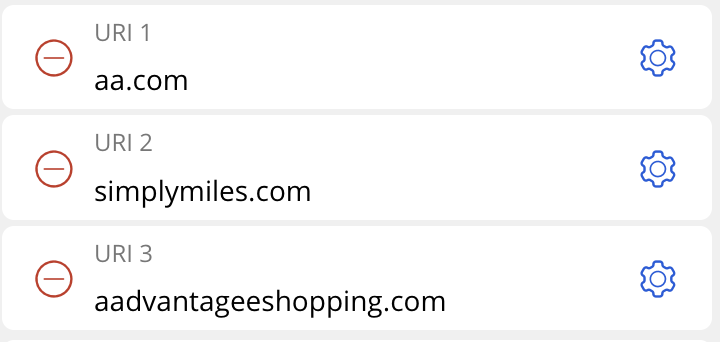
If you are a heavy American Airlines optimizer, add these three URI’s while you’re at it.