As a heavy daily AI user, one thing is painfully clear: AI hits a ceiling fast when it doesn’t have the right context.
This is especially true as we move into autonomous AI agents that can solve problems before you even ask. I’m working on this through an autonomous OpenClaw agent that runs on a server in my basement (more on that soon), but even for AI beginners, I wanted to illustrate this with a practical example.
Without context about you, AI gives generic recommendations. For home improvement questions, it doesn’t know what power tools you own or what hardware you have on hand. So it defaults to “here’s a common way to solve this.” But if it knew I already have a miter saw in my garage, it would tell me to cut the piece myself instead of suggesting I buy a pre-cut board.
The other half of this problem is my measly human memory. When I’m asking a quick question, I don’t always remember that I bought some specific product eight years ago that could help. So either AI needs to know what I have, or I need a perfect memory. Neither is true right now.
So let’s start simple. If you want AI to know every item you might have in your house, you’d need receipts from everywhere: Amazon, Home Depot, Walmart. That’s a lot of work. But I order most of my stuff on Amazon, so that’s where I wanted to start. And the good news is Amazon actually lets you export all of your data in 60 seconds.
This is the first post in a series called Own Your Data. The idea: get your data out of services that don’t make it easy, so you can actually use it.
Anyone can do this right now. It costs nothing. The most important thing is just to download your data and save it somewhere. Email it to yourself, save it to Google Drive, whatever. Just make sure you have a copy so you don’t have to go through the process again when you’re ready to use it.
Step 1: Submit Your Request
Go to Amazon’s data request page. Find Your Orders and click Submit Request.
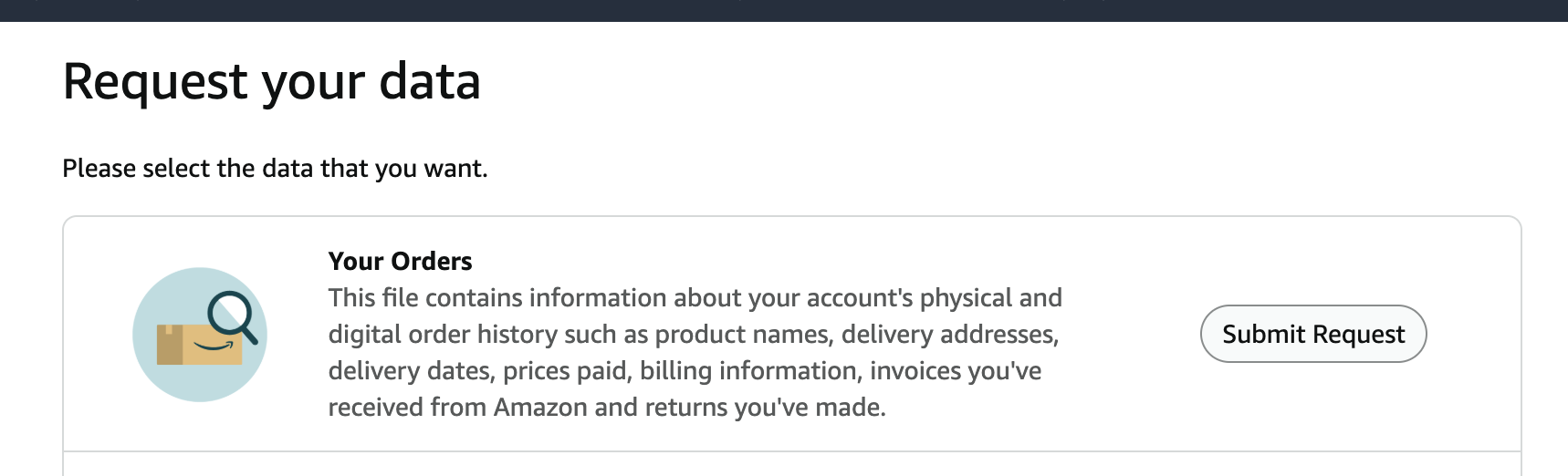
The export includes product names, delivery addresses, delivery dates, prices paid, billing info, invoices, and returns. Everything.
One thing to watch for: the data includes gifts you sent to other people. When you parse this later, you’ll want to separate items shipped to your address from items shipped elsewhere. Otherwise your AI will think you own things that are sitting in someone else’s house.
Step 2: Wait for the Email
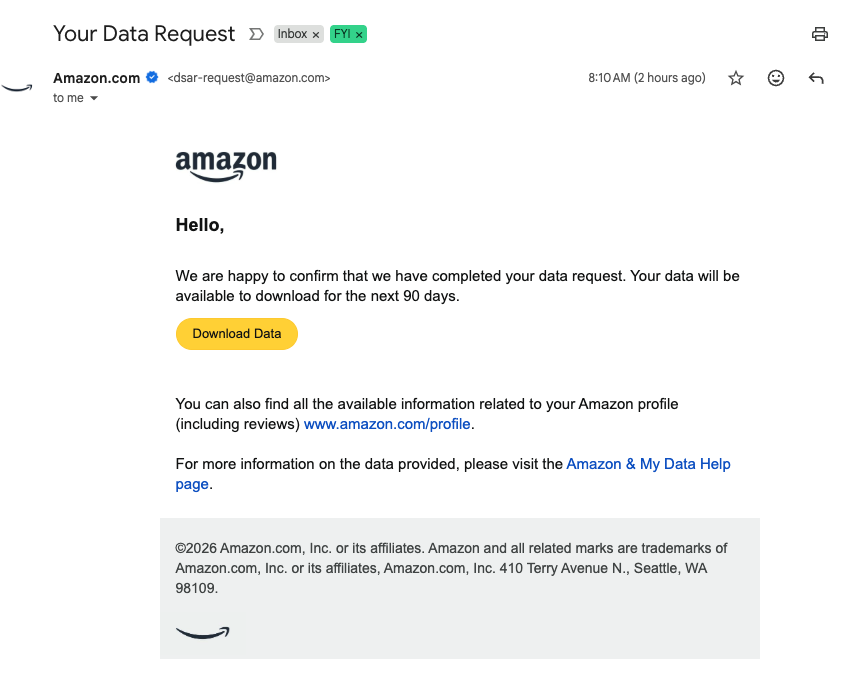
Amazon sends a confirmation email when your data is ready. Mine arrived in about 30 min. The download link stays valid for 90 days.
Step 3: Download Your Data
Click the link in the email. You’ll see two files: Your Orders.zip (mine was 51 MB) and FileDescriptions.csv (6 KB, describes what’s inside the zip).
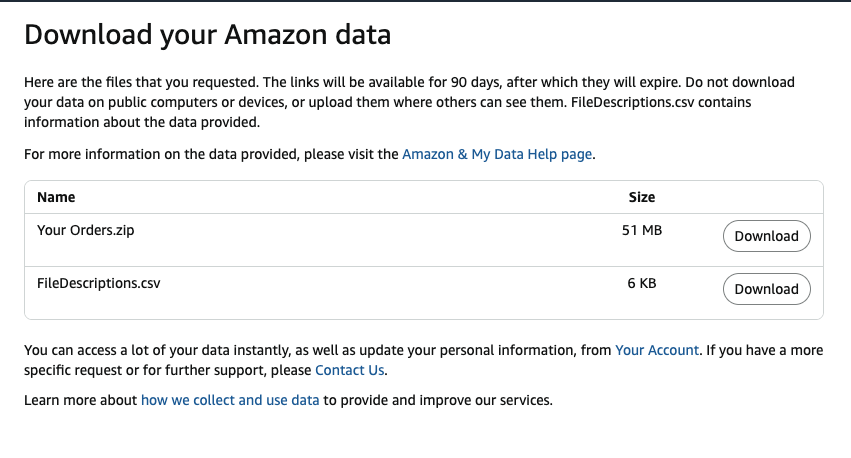
Download both. That’s it. You now own a local copy of your entire Amazon purchase history. Here’s what a single order looks like once you unzip it:
{
  "orderId": "114-XYZ-EXAMPLE",
  "orderDate": "2025-10-31",
  "status": "Shipped",
  "product": {
    "name": "NEEWER 72\" Camera Tripod Monopod with Ball Head",
    "asin": "B07N9YY8SM",
    "condition": "New",
    "quantity": 1
  },
  "pricing": {
    "unitPrice": 79.99,
    "tax": 4.56,
    "discount": -4.00,
    "total": 80.55,
    "currency": "USD"
  },
  "shipping": {
    "shipDate": "2025-10-31",
    "carrier": "USPS",
    "tracking": "91491432424242XXX"
  },
  "paymentMethod": "Visa ending in 4444"
}
What’s Next
Drop your unzipped Amazon data folder and this prompt into your CLI coding tool of choice (I recommend Claude Code):
I want to be able to search my Amazon product history. Please take this large data file I downloaded from them. Do some initial discovery on it. See how you can access products that were shipped to me. Then write a script that imports it into a SQLite database locally, and build a simple Next.js frontend that lets me search that SQLite database.
That’s enough to get started. The AI will figure out the CSV structure, normalize it, and scaffold the app. You can refine from there.